Deleting a file does not erase it. Formatting a drive does not make its data unrecoverable, and software wiping is not always enough to prevent a data breach. For businesses and residents across Vancouver and the Lower Mainland, the reliable answer is physical destruction. Maple Leaf Shredding provides HDD destruction services in Vancouver for businesses and homes across the region, and this guide explains in plain terms how hard drive destruction in Vancouver works, which devices it covers, and what proof you receive when the job is done.
What hard drive destruction is — and what it is not
Simply deleting files, formatting, or software wiping is not always enough to prevent data breaches. That is the starting point on our service page, and it is why physical destruction exists. Instead of trying to erase data from a working drive, physical destruction shreds or crushes the drive itself, so the data on it cannot be accessed, reconstructed, or recovered.
This is also what people mean by hard drive shredding: the drive is physically destroyed rather than wiped. It is sometimes called hard disk shredding, and it is the same work — the difference is only the name. If you are looking for hard drive disposal that leaves nothing recoverable, this is the method our service page describes: destruction, not deletion. Our hard drive destruction services cover businesses clearing out an office and residents clearing out a drawer — the same work people mean when they search for hard drive shredding Vancouver.
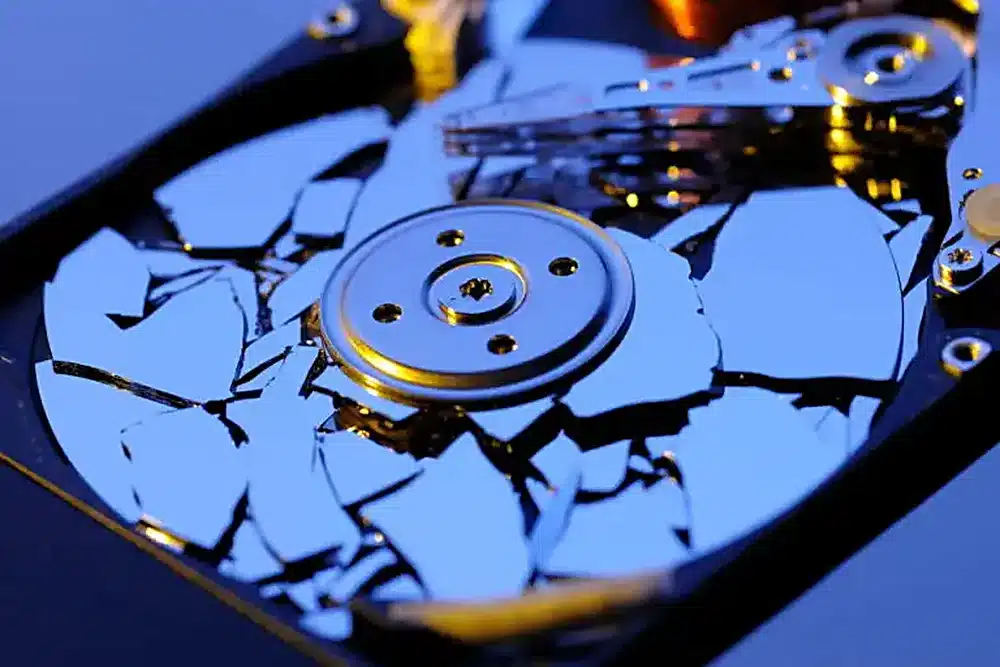
Which devices can be destroyed?
Our hard drive shredding services in Vancouver cover more than hard drives. The service page lists magnetic hard drives (HDDs), solid-state drives (SSDs), USB flash drives, old computers, retired office equipment, and outdated storage servers. In the words of the page’s own FAQ, that means any data-bearing device that needs secure physical destruction.
That matters because SSDs do not have spinning platters — they store data on memory chips — and those chips are obliterated along with everything else. An HDD destruction service is therefore not only for hard drives: the same appointment can cover SSDs, USB drives, and the old computers they came from.
How the service works, step by step
There are four steps, and they are the same for a single drive and for a full office clearout.
- Tell us what you need destroyed. Let the team know the type and estimated volume of hard drives, SSDs, or other data-bearing devices you need shredded. The team will help arrange the most efficient and cost-effective service tailored to your needs.
- Secure collection and chain of custody. Your devices are collected and handled with care. A strict chain of custody protects your sensitive digital information from the moment of pickup until the final destruction.

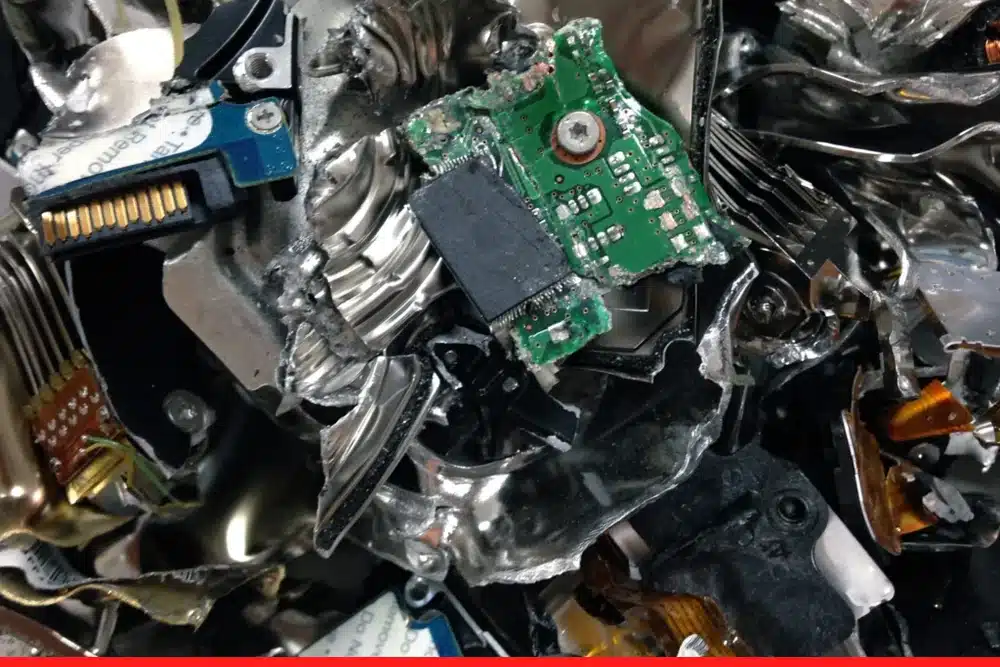
- Physical destruction. Hard drives are subjected to heavy-duty physical destruction — shredding or crushing. The storage platters and memory chips are completely obliterated, meaning stored data cannot be accessed, reconstructed, or recovered by any means.
- Certificate of Destruction and recycling. After the service is completed, you receive a formal Certificate of Destruction providing documented, legal confirmation for your compliance and audit records. The remaining e-waste materials are then responsibly recycled in an environmentally friendly manner.
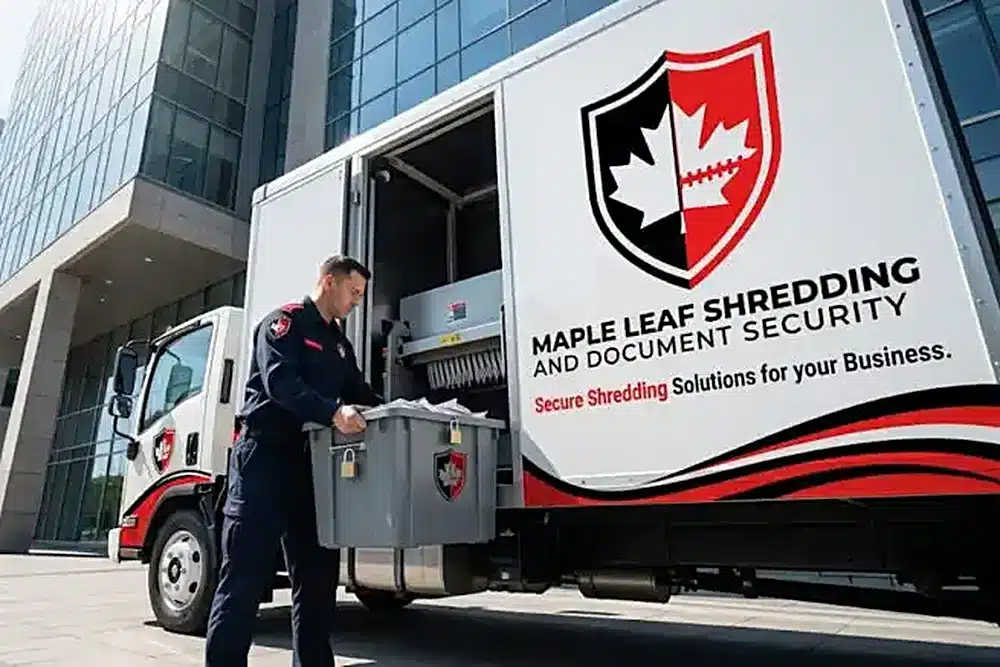
What proof do you receive?
A Certificate of Destruction is a written confirmation issued after a destruction service. It shows that your hard drives or other approved materials were destroyed through a secure service process. It is not the same as a receipt: a receipt confirms payment, while a Certificate of Destruction confirms that destruction was completed. The certificate may include the date of service, the type of materials destroyed, and confirmation that the destruction was completed, and it can be kept on file as part of your internal records.
The service page describes physical hard drive destruction as the most secure and compliant method for disposing of data-bearing devices under Canadian privacy legislation, including PIPEDA. That is the service page’s own statement, and it is the reason the certificate matters: it gives you a record that the destruction happened, for compliance and audit purposes.
When should you destroy a hard drive?
Searches for hard drive destruction Vancouver usually come from the same four situations: upgrading IT infrastructure, replacing equipment, clearing out an office space, and managing residential e-waste. A drive that has been sitting in a cupboard since an upgrade is still a drive full of data — age does not make it safe.
If you are wondering where to shred hard drives in Vancouver, the service covers Metro Vancouver businesses and residents, and devices are collected from your location. That is what people mean when they search for a hard drive destruction service near me. Tell the team the type and estimated volume, and the appointment is arranged around them.
What happens to the materials afterwards?
After physical destruction, the remaining e-waste materials are responsibly recycled in an environmentally friendly manner. Destruction and recycling are two different steps: destruction makes the data unrecoverable, and recycling deals with what is left. Our earlier guide on hard drive recycling costs explains the factors that affect the cost of recycling old drives, and why a written estimate based on your actual equipment is worth asking for.
Hard drives and paper records often retire together
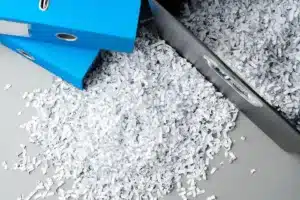
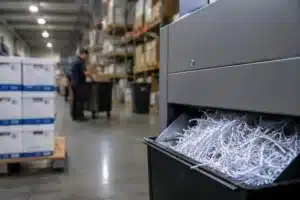
An office cleanout rarely produces only old drives. Archived files and paperwork usually retire at the same time. If you are clearing out both, our document destruction service covers the paper side of the same cleanout, and a Certificate of Destruction can apply to both.
Questions we hear most
- Can data be recovered after physical hard drive destruction?
No. The process completely shreds and pulverizes the internal components of HDDs and SSDs, and it is impossible to retrieve or reconstruct data from the remaining fragments.
- Do I need to erase my hard drive before handing it over?
No. You can wipe your drive for personal peace of mind, but it is not required. Physical destruction completely obliterates the drive, so no data can ever be read again, regardless of whether it was formatted beforehand.
- What types of devices do you destroy?
Magnetic hard drives (HDDs), solid-state drives (SSDs), USB flash drives, old computers, retired office equipment, and outdated storage servers — any data-bearing device that needs secure physical destruction.
- Will I receive documentation after my hard drives are destroyed?
Yes. After the service is completed, you receive a formal Certificate of Destruction providing documented, legal confirmation for your compliance and audit records.
If you found this article by searching for HDD destruction services near me, the short answer is that the service covers Metro Vancouver, devices are collected from your location, and you receive a Certificate of Destruction when the work is done. Old drives do not become safe with age — the safest next step is physical destruction, and the service page linked at the top of this article explains how to arrange it.